EX – Exam Centre

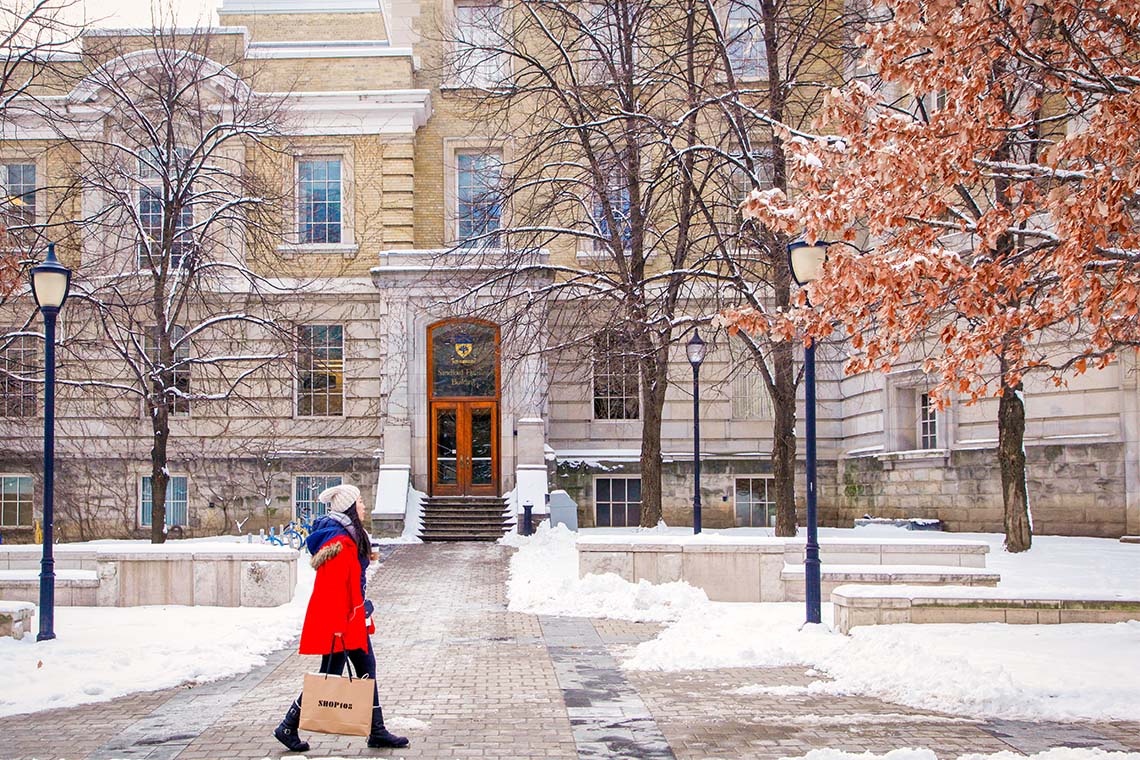
Exam Centre [Source]

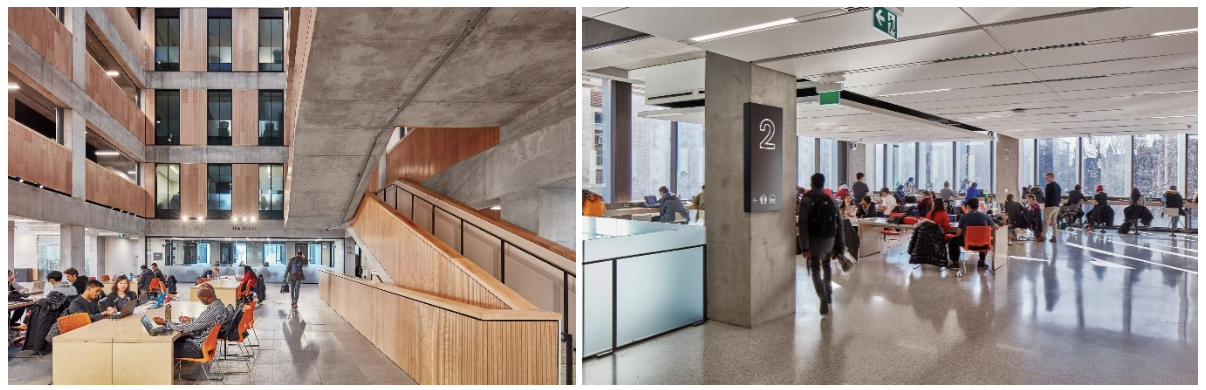
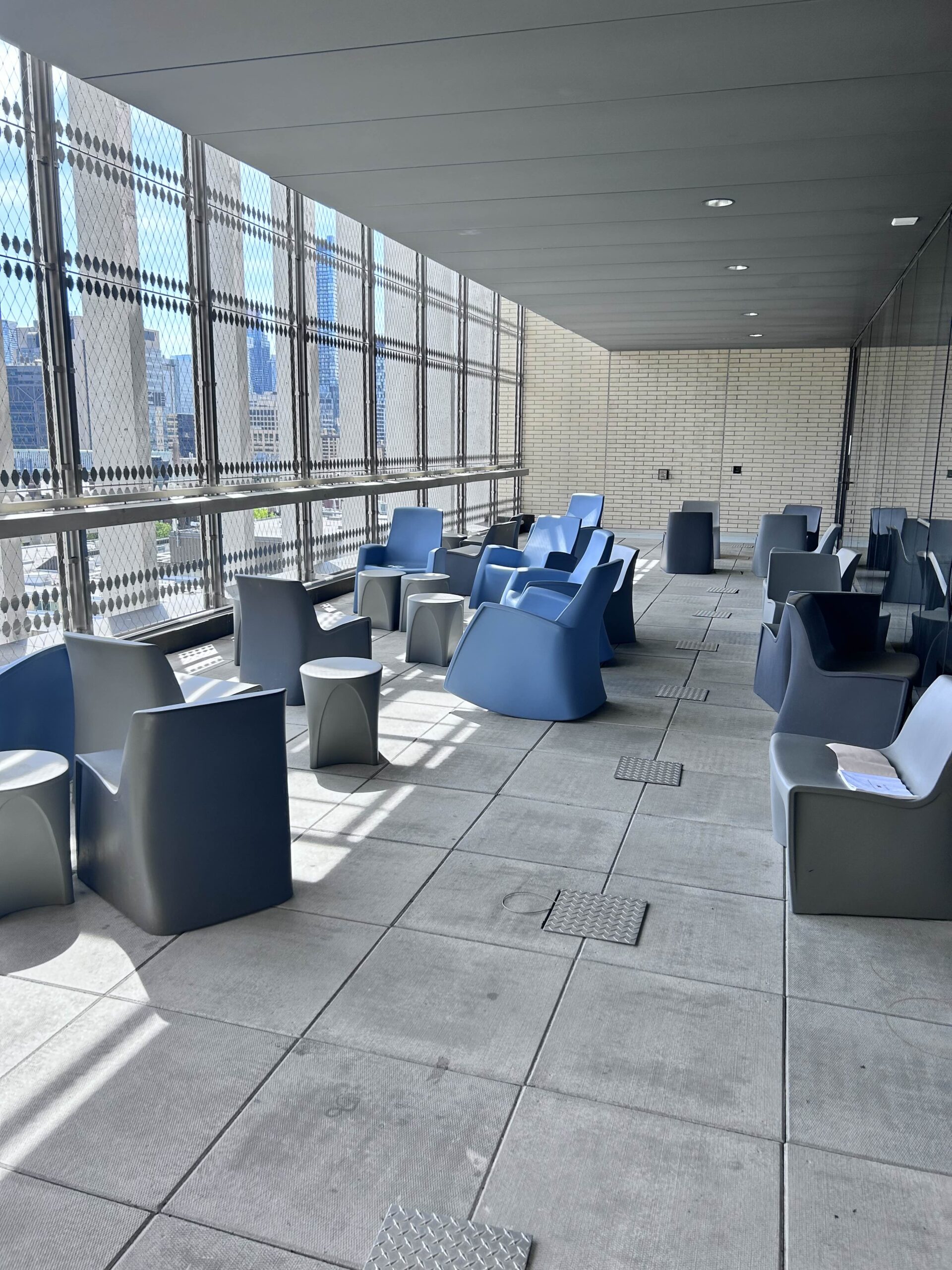
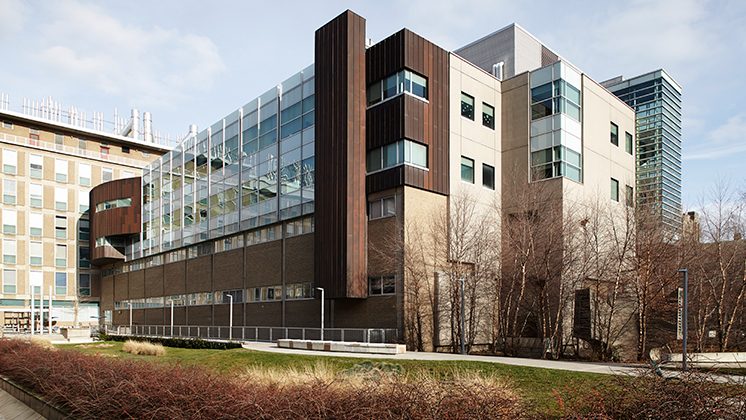
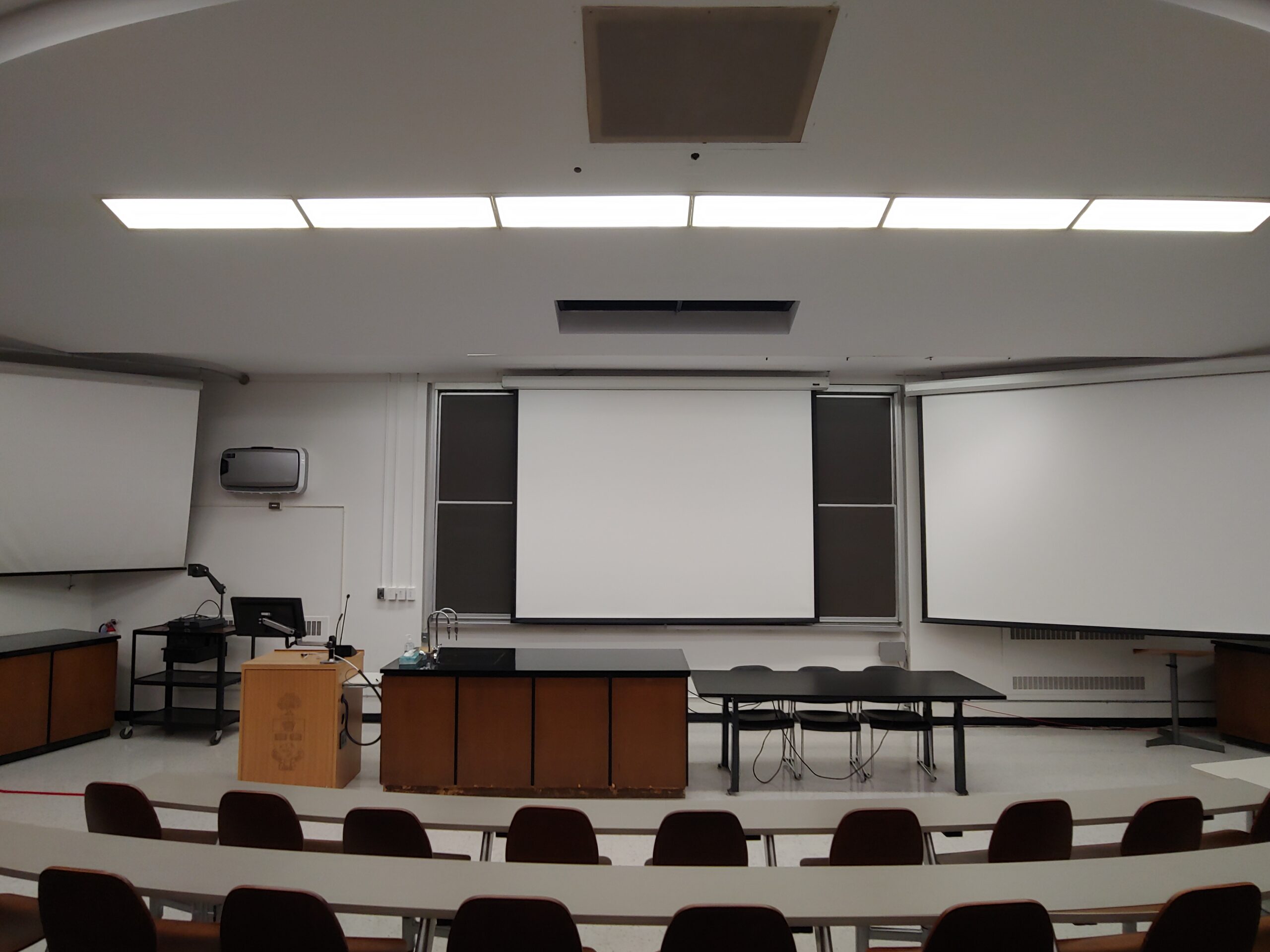
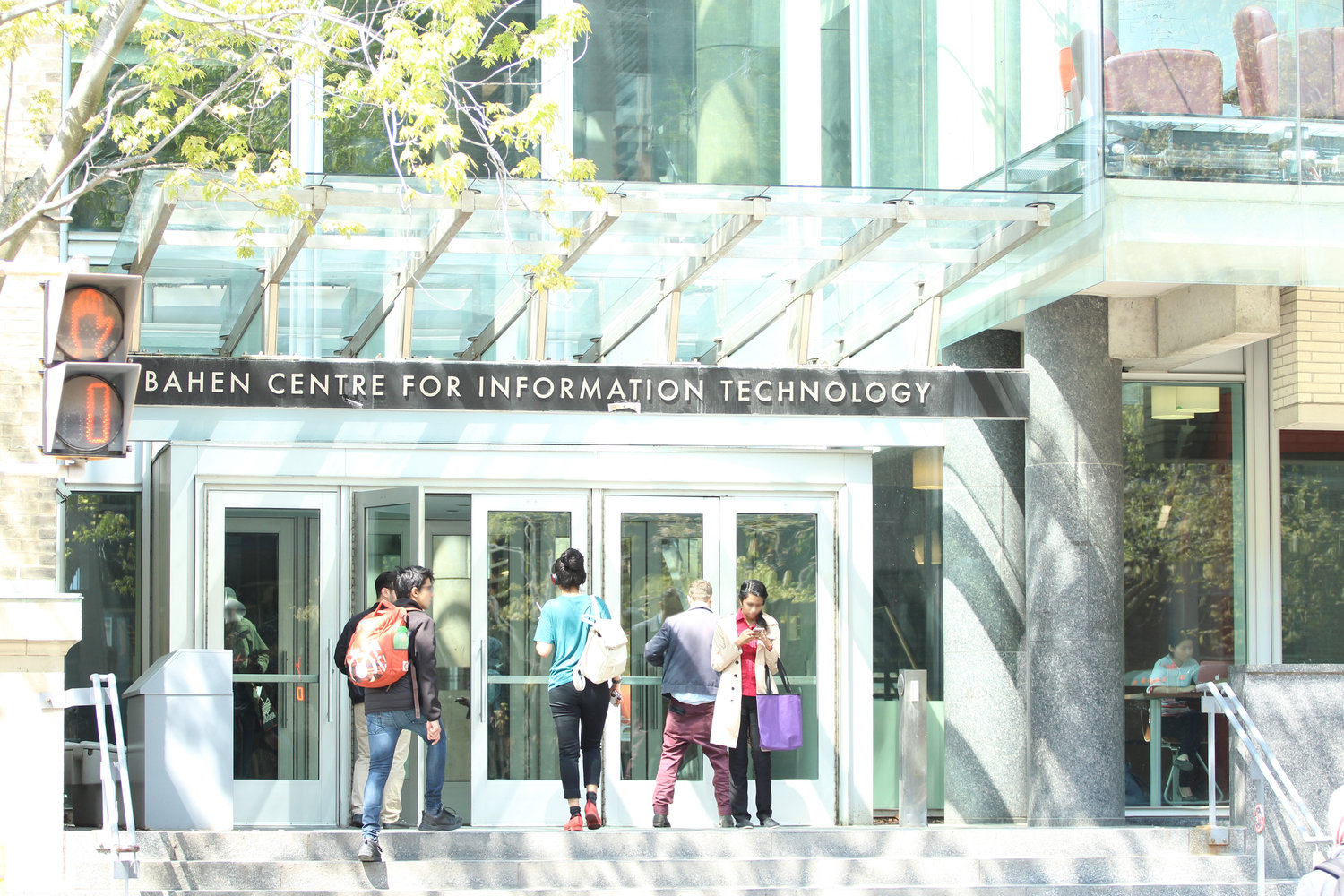
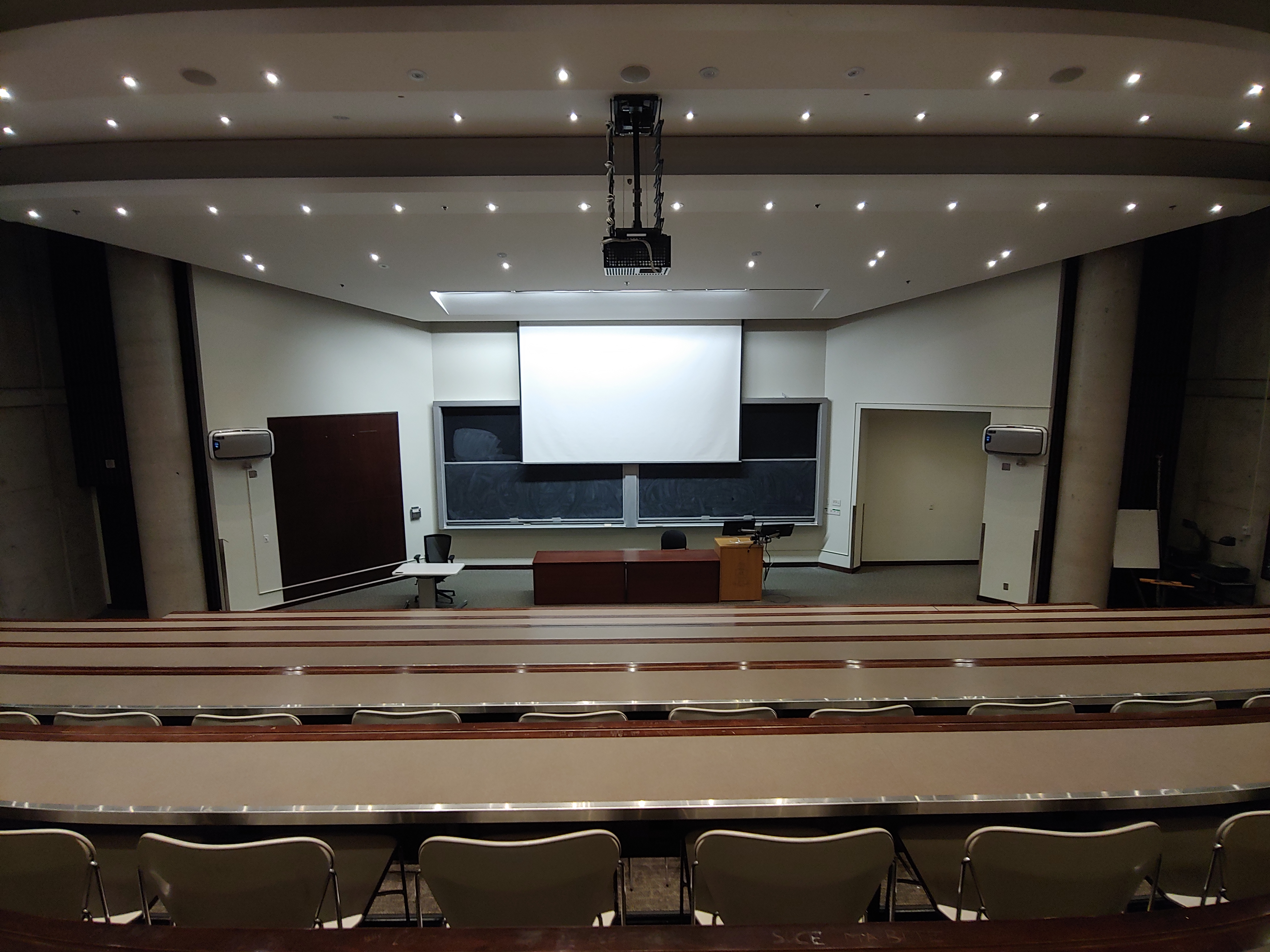
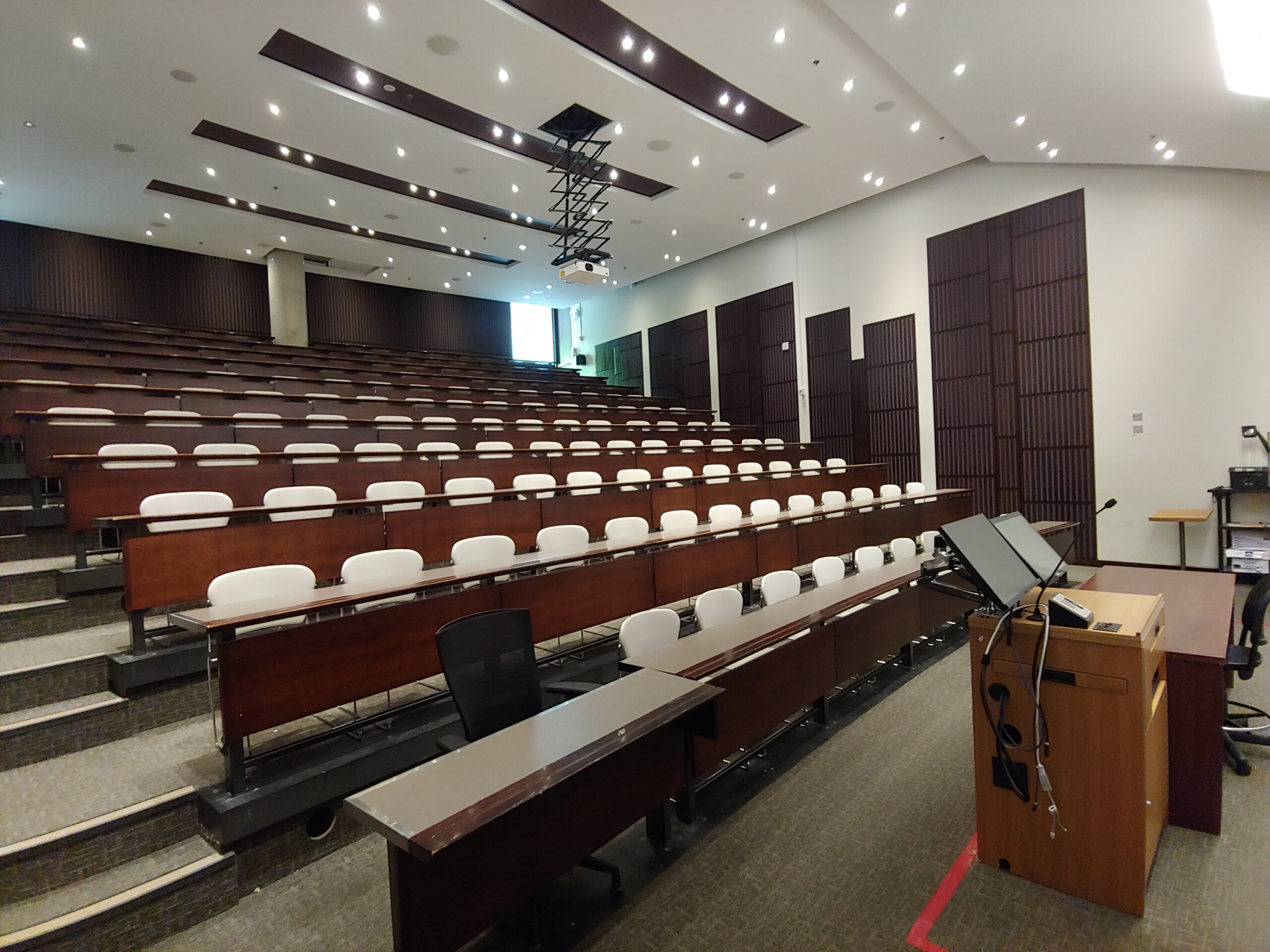
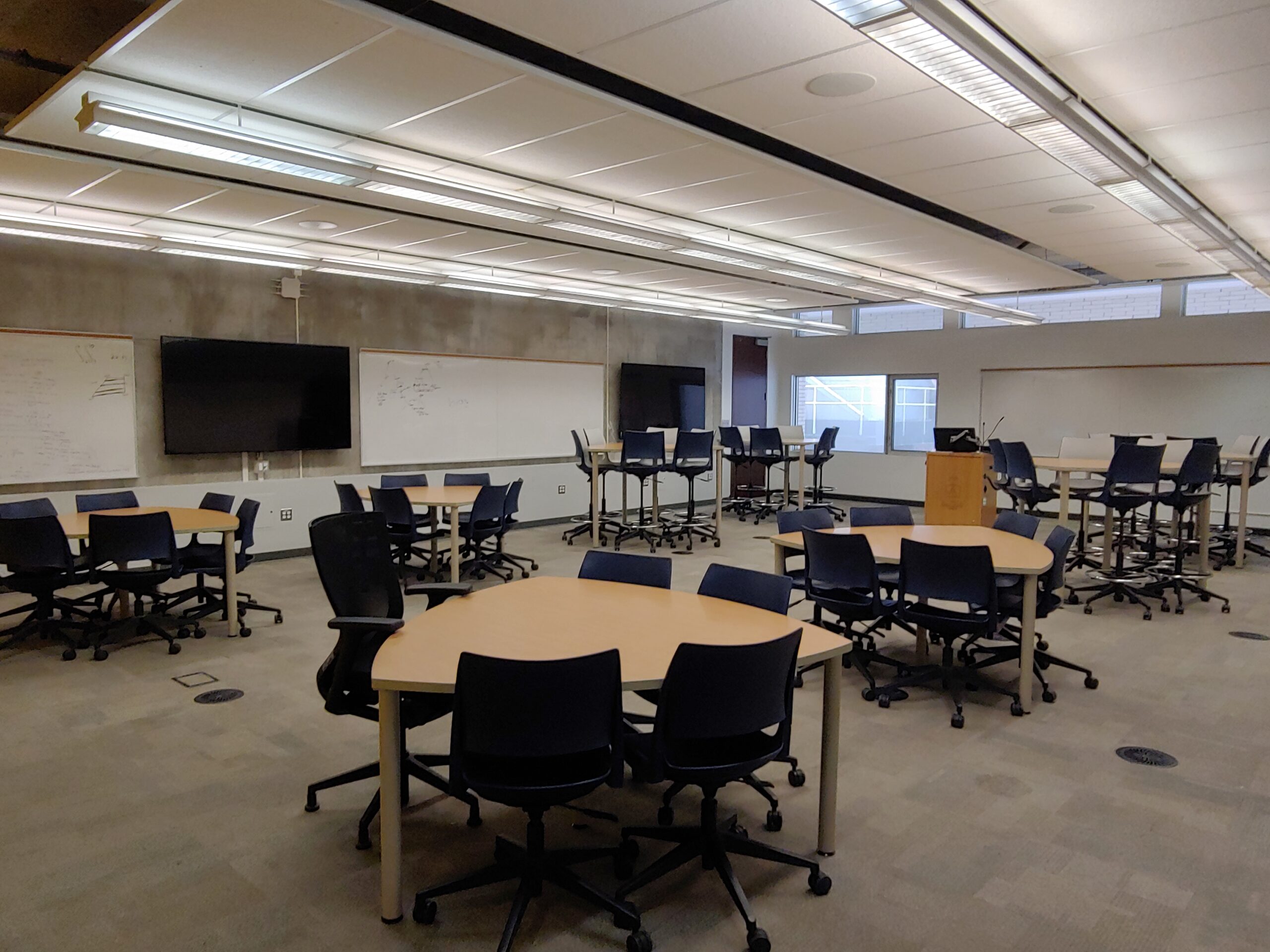
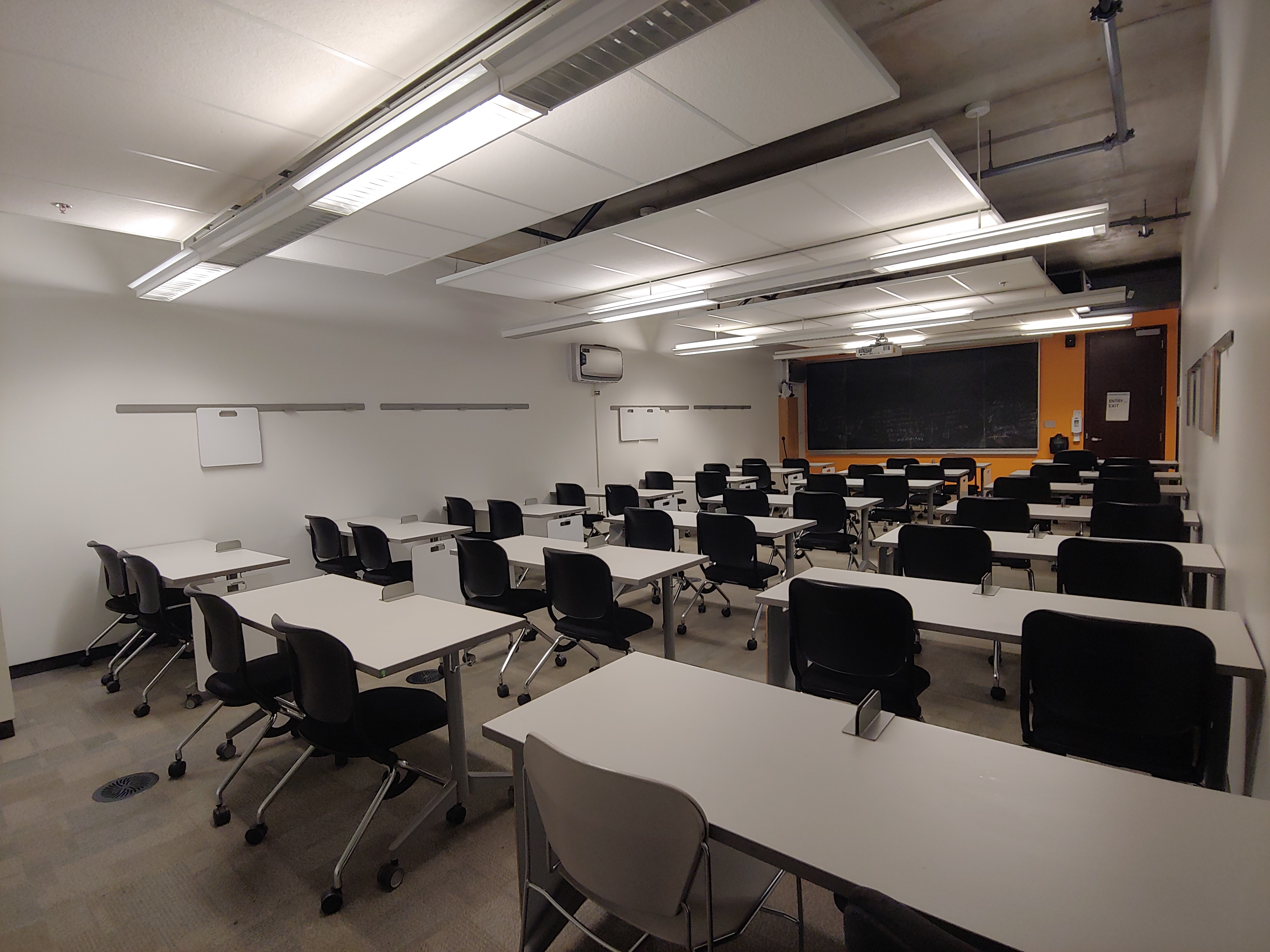
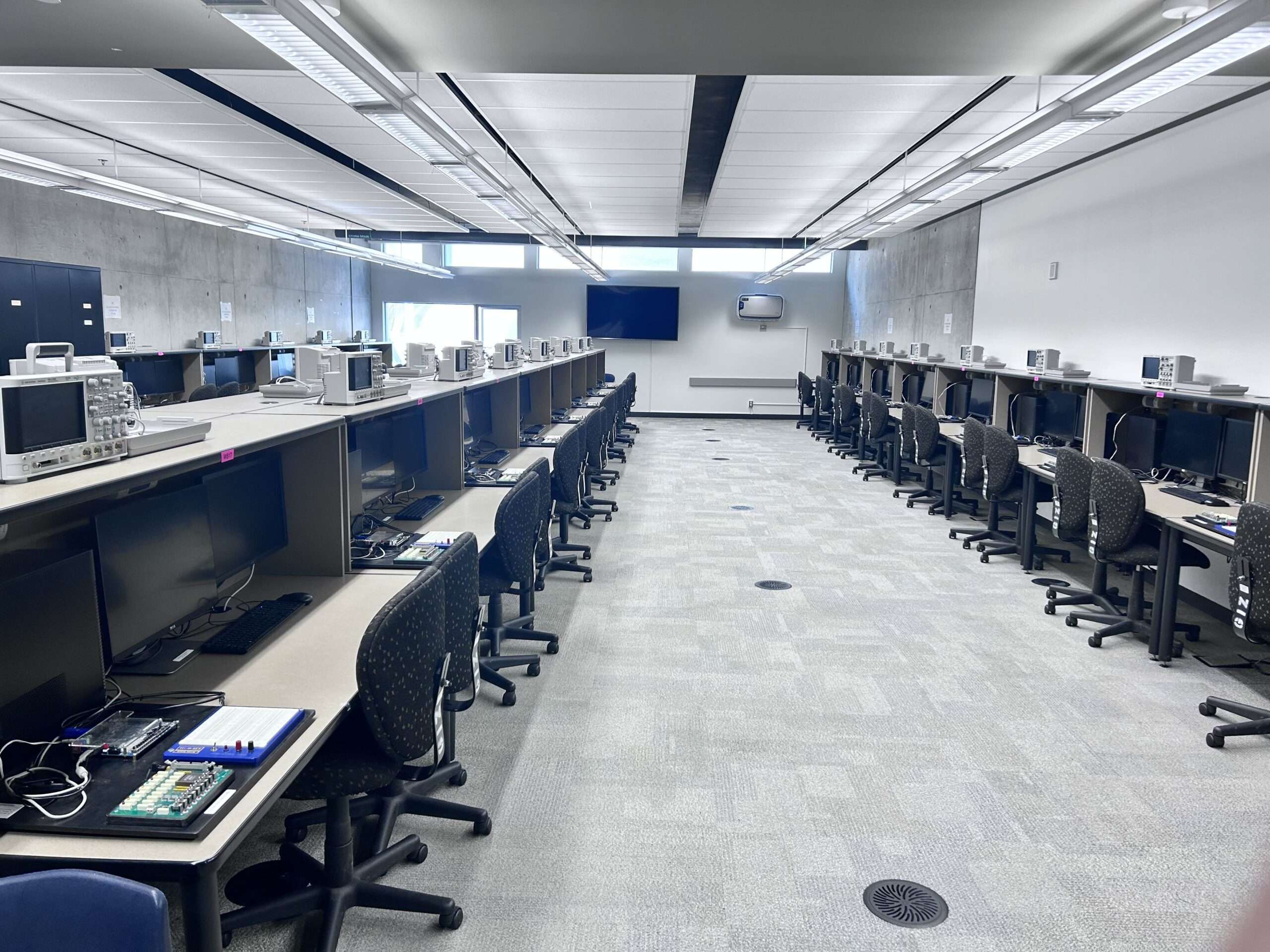
Located at 255 McCaul Street, the Exam Centre is where you’ll take many of your midterms and final exams. The Exam Centre has rooms for both larger and smaller classes, so you may find yourself taking exams with your entire section or with 30-40 students.    


During Exams

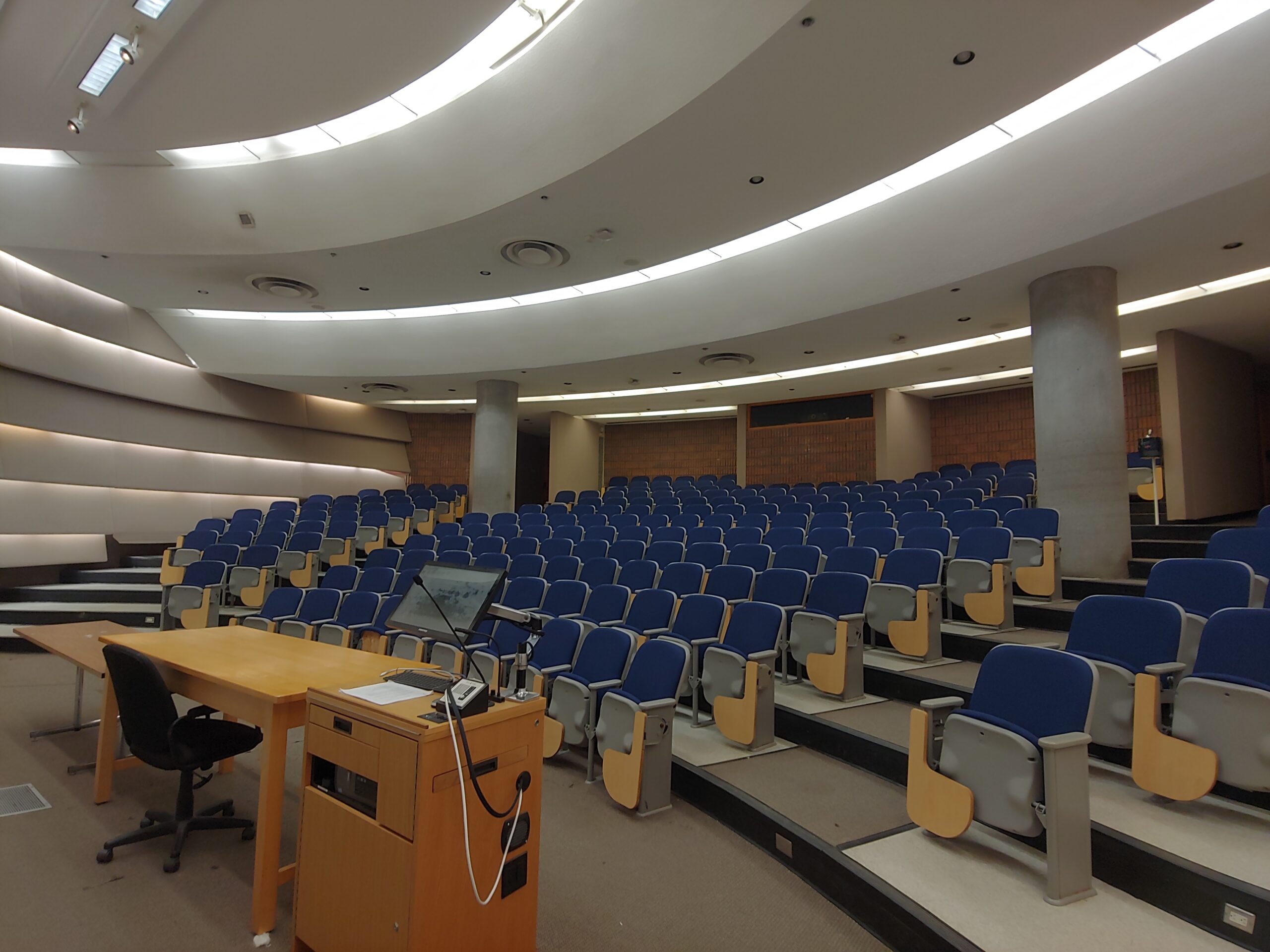
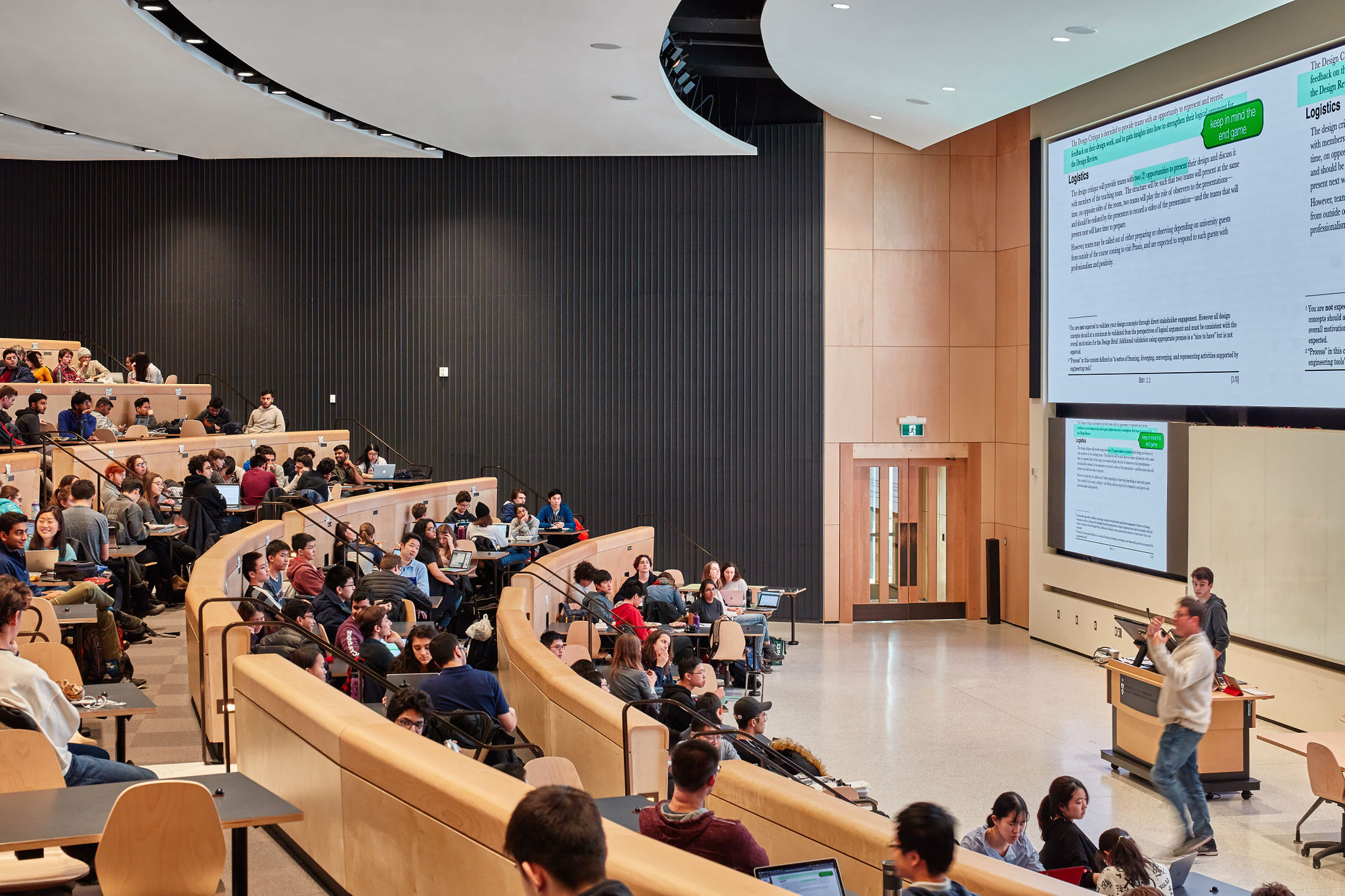
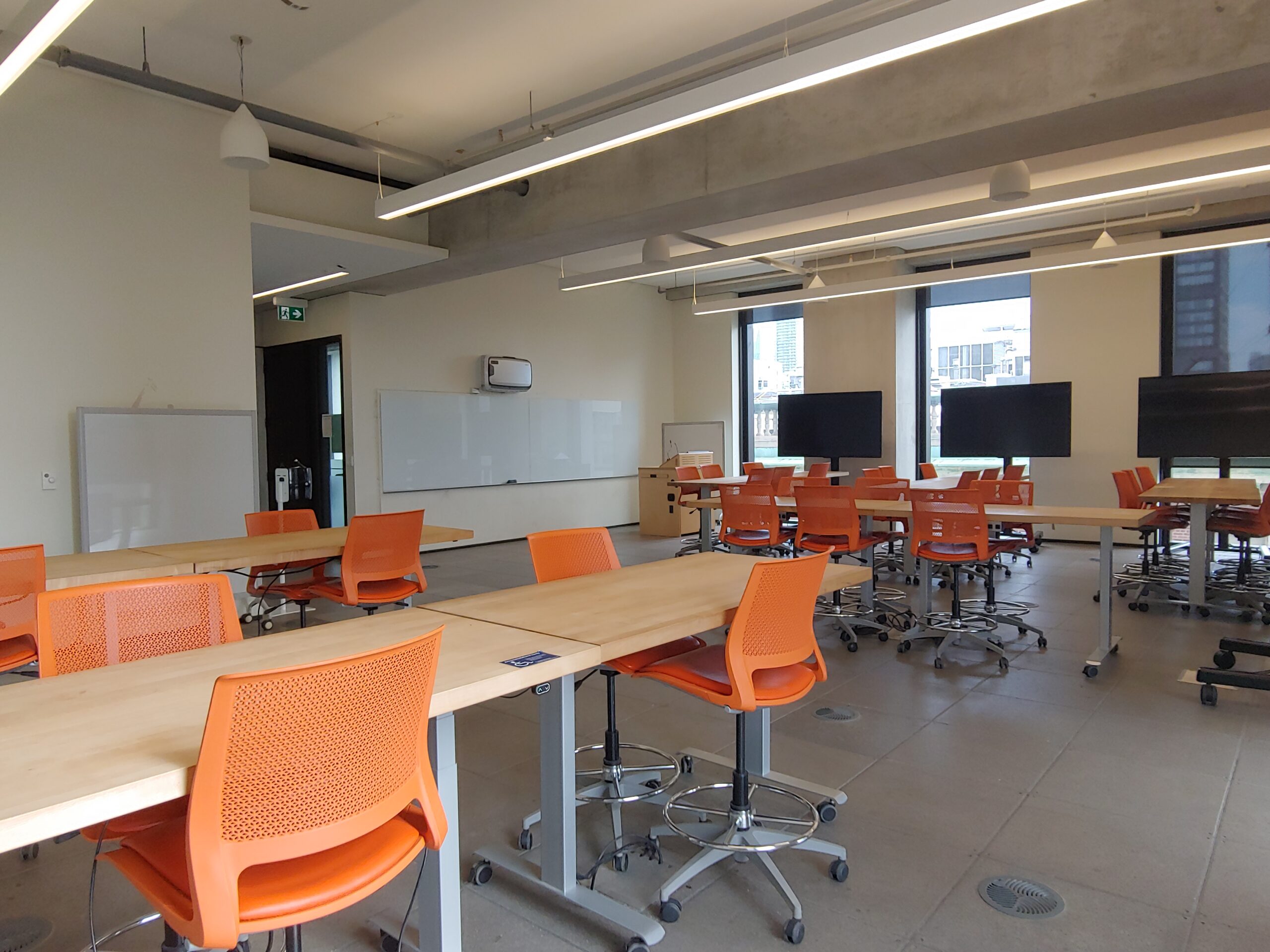
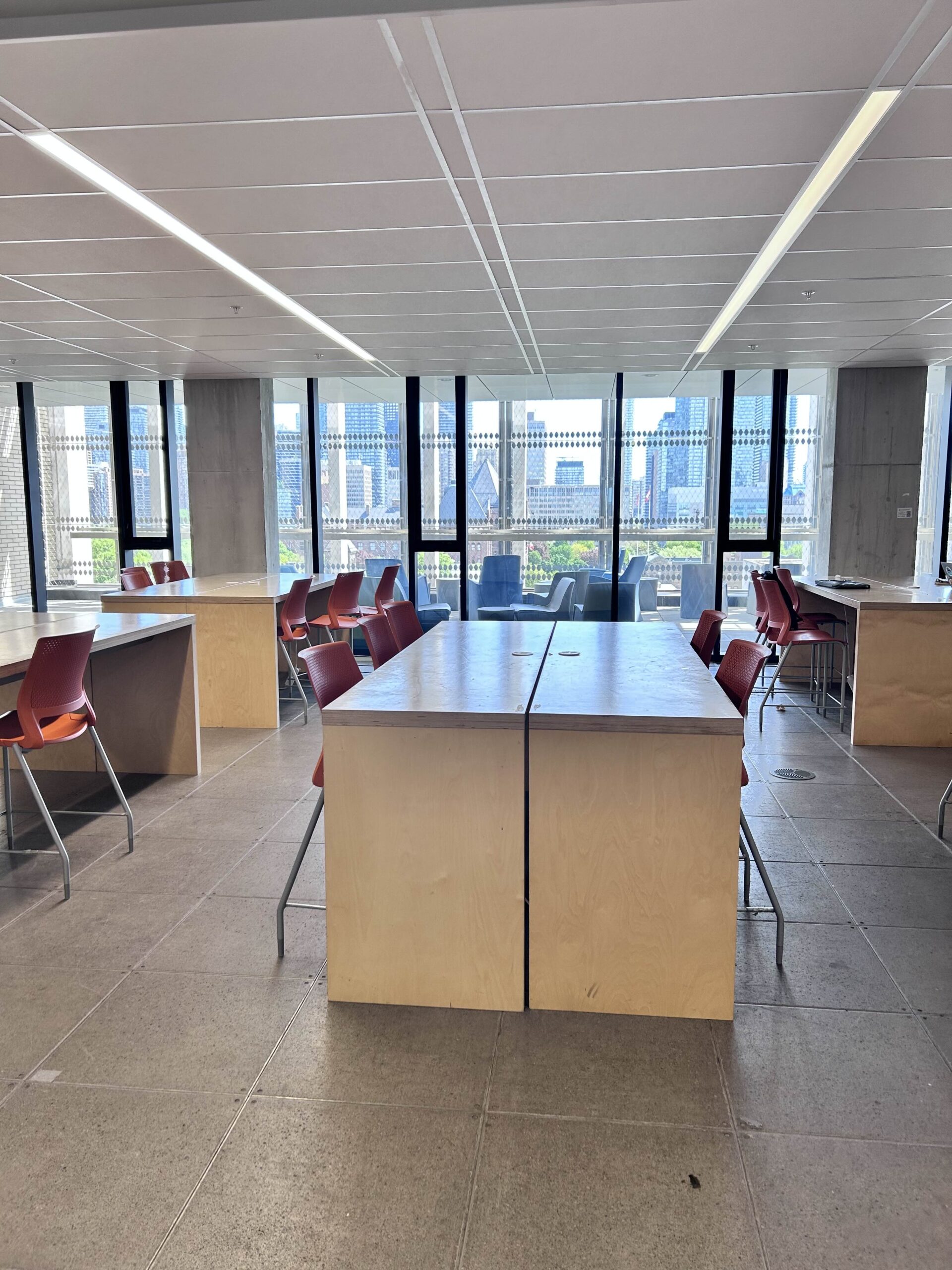
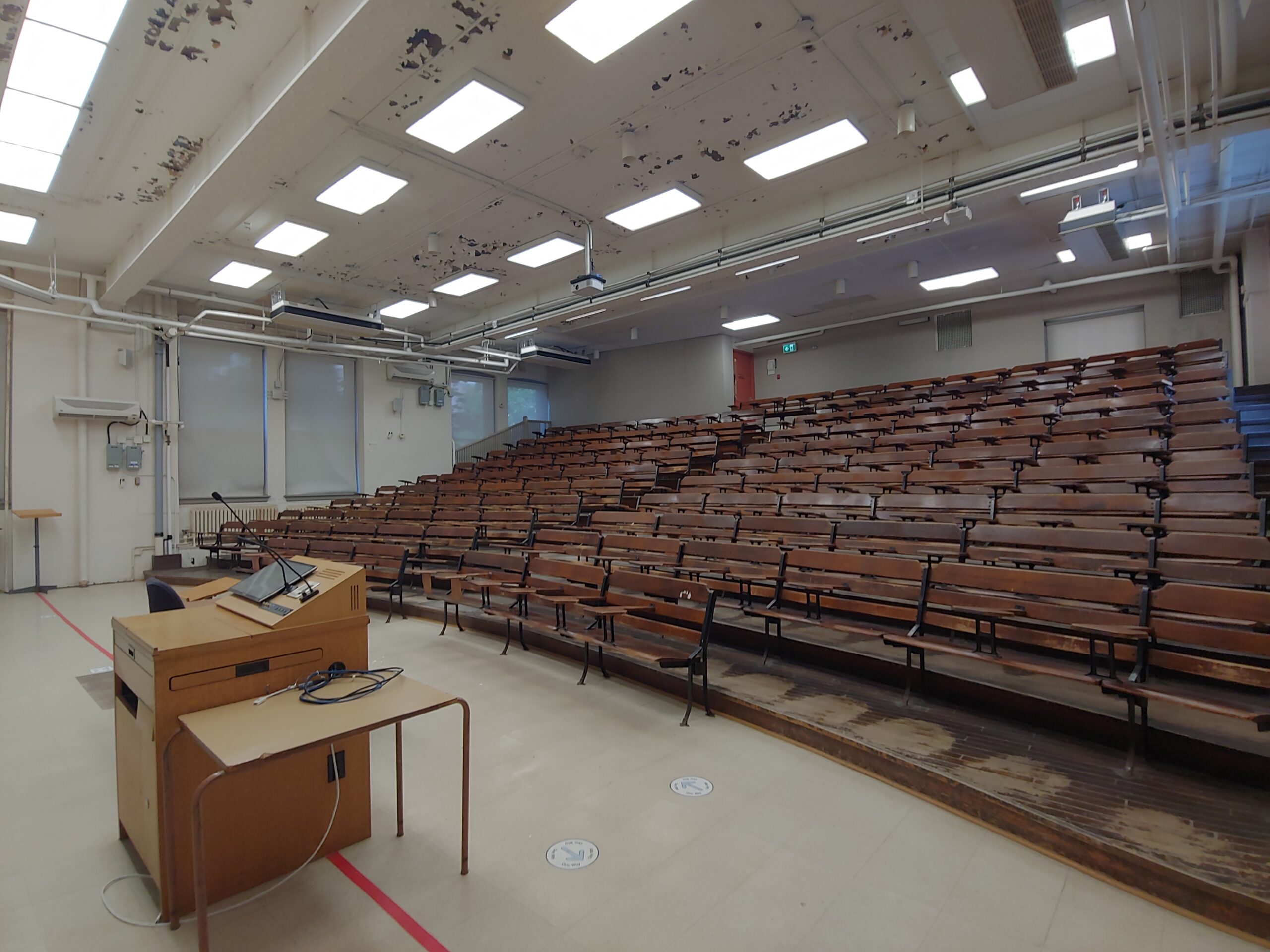
EX100, one of the larger exam rooms [Source]
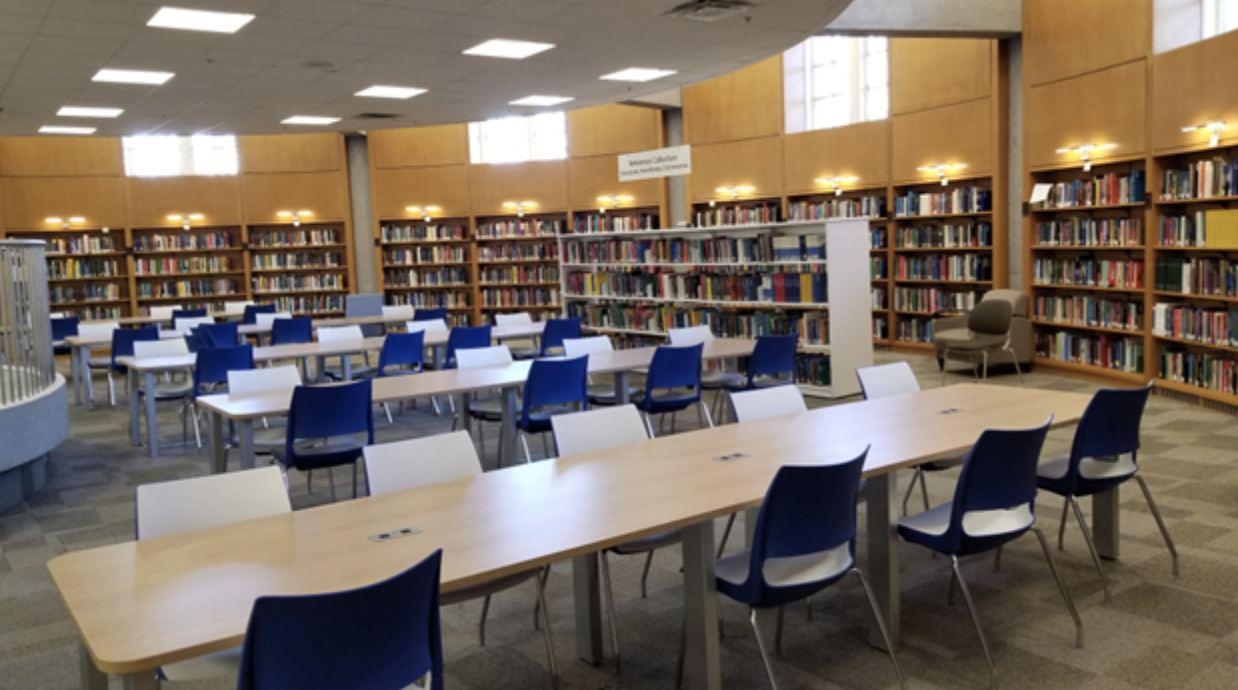
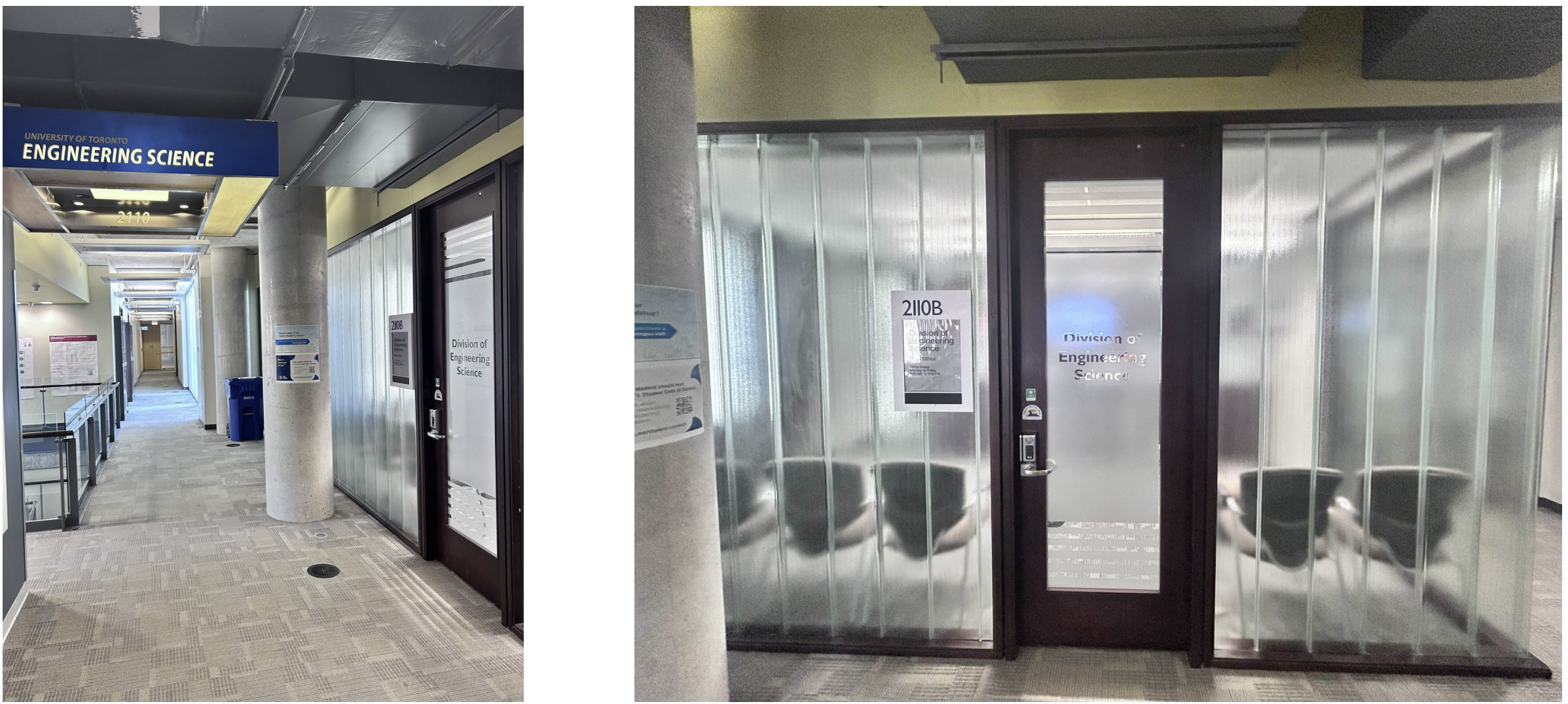
EX320, one of the smaller exam rooms [Source]

Expect strict rules inside. You’ll be asked to show your T-Card; always have this with you. Phones and smart watches off, bags at the front, and no talking. The seating is usually not assigned, so grab any seat you like. The invigilators are there to make sure everything runs smoothly, so listen to their instructions. Often the exam will be invigilated by the course teaching team, but this is not guaranteed.   

If you need accommodations, make sure you’re registered with Accessibility Services well beforehand to allow enough time to process your request—check their website for deadlines! Accessibility Services works with Accommodated Testing Services (ATS) to administer and coordinate accommodated quizzes, term tests and exams for registered students.   


Tips

Always bring your TCard to every midterm and final exam.  

Bring all the stationery you’ll need – pens, pencils, erasers, refills/extras, and an approved calculator (if allowed). Some professors will only allow you to use a clear case for carrying your stationery.

Make sure to bring water, ideally in a clear bottle. For longer exams, you may be allowed to keep a snack on your table as well. 

The rooms can get cold, so having a sweater on hand isn’t a bad idea.  

And finally, if you get nervous around exams, there are lots of resources to help you prepare.   


Getting There

The Exam Centre is conveniently located near most engineering buildings, so if you’re doing some last-minute review in the Common Room before an exam (disclaimer: we do not endorse this study method), you’re just a quick seven-minute walk away. If you’re commuting, it’s also an easy walk from the Queen’s Park subway station. Always prepare to be at your exam early. Public transit can have unexpected delays. 

For any exam at U of T, especially those in the Exam Centre, once the exam starts, the rooms are usually closed, and in larger spaces like EX100, it can be tough to get the invigilators’ attention through the two sets of doors. 

Guide to Professionalism

Along with the Faculty of Law, Faculty of Medicine, and several others, U of T’s Faculty of Applied Science & Engineering is a professional faculty.  Professional faculties are accredited by governing organizations to ensure that graduates have received the training needed to become licensed professionals, e.g., a licensed lawyer, doctor, or engineer from the faculties mentioned above. Licensure requirements mean that only those with the skills required to practice safely may legally do certain jobs. 

Our engineering faculty is accredited by the Canadian Engineering Accreditation Board. This means your degree will make you eligible to become a licensed professional engineer (P.Eng.). Because of this, engineering education has different requirements than other degrees. Employers expect graduates from our programs to have not only specific technical skills but also professional skills. 

As a U of T Engineering student, you’re expected to learn workplace etiquette and how to conduct yourself in a professional manner. This is built into our curriculum and many co-curricular activities, but you’re also expected to practice professional and respectful conduct when interacting with staff, students and faculty in general. Every day in EngSci is a chance to learn and practice professional behaviour so you’re well-prepared to step into the working world. 

What is Professionalism?

Professionalism is the practice of conducting yourself with responsibility, integrity, and accountability and communicating effectively and respectfully in all situations.  

Throughout your time at U of T and during your entire career, professionalism will be of utmost importance. Being reliable, trustworthy, and behaving professionally will be critical to advancing your career. Etiquette and expectations at U of T Engineering and the workplace may be different from what you’re used to in high school, so here are some tips for effective professionalism. 

Know the expectations 

Read the U of T Code of Student Conduct  

This isn’t just about academic integrity (i.e. cheating).  The Code of Student Conduct sets out expectations for student behaviour, and prescribes processes for dealing with prohibited behaviour. It can be used as a tool in the cases when the rights of the University’s community members are infringed upon by the behaviours of others. Not abiding by the code can result in penalties from a written warning all the way to expulsion. 

Read the U of T Code of Behavious on Academic Matters! 

Honesty and fairness must be central to the relationship between students and teaching staff. This co-operation is threatened when a teacher or student forsakes respect for the other—and for others involved in learning—in favour of self-interest. The University has a responsibility to ensure that academic achievement is not obscured or undermined by cheating or misrepresentation, and that evaluations meet the highest standards of fairness and honesty.  Breaking the rules of academic integrity (i.e. cheating) can leave a permanent mark on your transcript.  

Commitment is a core aspect of professionalism and can show others just how trustworthy you are. If you say you’ll do something, follow through. Don’t overcommit to activities or tasks – make a firm commitment! 

Why is this important? 

  1. Respect for others: If you sign up for an event and don’t show up, the organizer’s reputation (and EngSci’s!) suffers. They or our program might be embarrassed if too few people show up for an external speaker, or they may have purchased food that will go to waste. Put yourself in the organizers’ shoes: what’s at stake for them? How would you feel if you organized the event and no one showed up and you wasted time and money? This also goes for meetings, whether that’s with your team for a group project, a design team, or executives of a company. In the professional world and in EngSci, the expectation is that if you commit to attend an event or meeting, but your plans change, you’ll give the organizer AT LEAST 48 hours’ notice. Communication is key 🔑 
  1. Teamwork and Trust: When working in teams, you have people who depend on you and trust that you’ll complete your task. If you can’t follow through on your commitments, that trust can be lost and you may not be given further responsibilities. Communication is key!  If you’re struggling with workload, talk to your teammates and work out a plan.  
  1. Your own Development: If you agree to do something, it’s probably something that you wanted to do or that will benefit you. By following through, you can develop yourself professionally, take pride in your reliability, and build confidence; the only way to gain experience is to commit and do things. Furthermore, you can always learn from and enjoy an experience. Do yourself a favor and follow through with what you committed to! 

You’ve probably heard this before, but when interacting with people face-to-face (or on a phone call or virtual meeting), remember the following:  

  • Be friendly and respectful. Learn and use the person’s name or title properly. At conferences or networking events, don’t be shy about approaching new people. Your professional demeanor will help put you and them at ease.  
  • Take a sincere interest and practice active listening.  
  • Be mindful of cultural, language, gender and other differences between you and others. Don’t assume that everyone sees the world as you do. 
  • When at a conference, an interview, or another important meeting, ensure your clothing and grooming is appropriate. At work, ensure that you follow your organization’s dress code, usually business or smart casual standards.
  • Speak clearly and avoid using colloquial language.
  • Try to maintain regular eye contact and proper posture and avoid fidgeting or looking around; remember that your body language indicates engagement with what the other person is saying.
  • At conferences or networking events, try to engage with others while being respectful and professional. 

Online professionalism is as important as in-person professionalism! Remember: anything you write down could become public. Think about the impact on your future before posting. How would you feel if what you wrote was in the newspaper tomorrow? (Another way of thinking about it: don’t say anything online you wouldn’t say to somebody in person.)  

When writing emails to professors, teaching teams, supervisors, staff, and colleagues:  

  • Create an email signature with your name, university affiliation and major, and preferred pronouns.  
  • Use a descriptive subject line. An email with the subject line “Question” is unlikely to get priority in someone’s busy inbox and might look like spam. “U of T Engineering student requesting advice on AI career” is an example of a better subject line. If emailing for academic purposes, include the course code in the subject.  
  • Emailing a working professional (including university staff and professors) is NOT the same as texting your friends. Look up your recipients’ names and titles and address them how they would prefer (e.g. “Greetings Dr. [Name], …”). “Hey” is NOT an appropriate way to address a professional person.  
  • Ensure your email has the right tone. It should be at least as formal as how you speak to the recipient in real life. This will vary depending on your relationship with that person. Don’t forget to check for grammar and spelling mistakes.  
    • Sometimes, you may spend time writing a thoughtful and professional email, only to receive a very brief reply—or no reply at all. Professors are busy and may not have the time to write a detailed response. Regardless of the length or tone of their reply, always maintain a professional and respectful manner in your communication. 
  • Remember to use an appropriate salutation (e.g. “Dear …”, “Greetings …”) and valediction (e.g. “Sincerely …”, “Best regards …”).  When in doubt, use the most respectful salutation.
  • Before sending the email, review it to make sure it includes all necessary information while being clear and concise. Consider setting up delayed delivery so you get some buffer time to modify your email if you spot any mistakes.
  • In the professional world, the general expectation is that you’ll respond to an email within 1-2 business days, especially if you’re the more junior person. Keep this in mind when you get an email from staff, professors, TAs, employers, professionals, etc.
  • Professors and the teaching team receive a high volume of emails. The convention is to wait 3-5 business days before sending follow-up emails. Be sure to also check the course page on Quercus for their recommended channels of communication. 

Digital professionalism extends beyond emails! Having a good digital footprint is extremely important. 

  • Set up a strong LinkedIn profile so that your peers and other professionals can connect with you. LinkedIn is also a great platform for job hunting, learning about different companies and careers, and seeing what people are up to. 
  • Refrain from disrespectful or inappropriate behavior online. Remember, even if you think something is private, nothing on the internet is private.
    • Use good judgment and your common sense when posting online. Disrespectful behaviour online directed at members of our community can be an offense under U of T’s Student Code of Conduct with serious consequences. 

Have you ever had to give a talk in front of a big group of people? Nothing is quite as demoralizing as looking out at the crowd and seeing that nobody is paying attention.

Here’s how to respect your instructors and classmates: 

  1. Silence your phone and put it away to minimize distractions for yourself and those around you. Remember that in a darkened lecture hall, your lit-up screen is visible and distracting to others.  Research shows that having a phone visible, even if it is off, reduces concentration.  Classes are very important; please don’t disrupt your or others’ learning experience by being on your phone. Turn off notifications on your laptop and other devices to help you focus on lecture content.
  1. Do not spend time in lectures chatting with your friends, even if you’re at the back of the room. The speaker can see and hear you, as can everyone around you.  If you don’t want to pay attention, leave the room out of respect for others. 
  1. Go to office hours and talk to your professors – this is a hugely underused resource! Getting to know profs and having them get to know you will help you:
    • Develop relationships so you can ask for letters of reference for jobs, scholarships, etc. Remember that you’re going to need reference letters for jobs and graduate school applications; if none of the professors get to know you personally, they won’t be able to write you letters. 

    • Learn about summer research and other opportunities. 
    • Get a leg up on coursework. 

Conflicts can occur in class, extracurriculars, or the workplace, and it’s vital to handle them professionally. Learning how to resolve them and reflecting upon the experiences contributes to your personal and professional growth:   

  1. Take a step back and analyze the situation. Try to calm down and don’t let your initial frustrations get the better of you.  
  1. Challenge your assumptions. Many (most) conflicts are the result of poor communication with both parties assuming things that aren’t quite true. Ask yourself: what do I really know about the situation? What am I assuming? Is there another possible explanation for the other person’s behavior? Note that people around you may have different backgrounds, personal situations, and cultural norms. 
  1. Express your perspective respectfully and listen to others’. If a group member is unresponsive, try to get them to engage in the conversation. Ask questions to make sure you aren’t missing important information. Explain your concerns factually rather than emotionally. You can also contact your instructor or supervisor for help. 
  1. Try to find some common ground. Emphasizing common interests can help create a sense of collaboration and establish team values to resolve conflicts.
  1. Brainstorm solutions and explore various options that’ll address the needs/interests of all parties.
  1. Remember, clear communication is critical! Be proactive and don’t let conflicts fester.

Remember to always be your best self, even if the other person is acting unprofessionally. Engineering students can also get teamwork support.

Equity, diversity, inclusion, and accessibility are critical parts of professionalism in today’s workplaces. U of T aims to create inclusive and accessible spaces for everyone, and YOU play a vital role in this. Educating yourself through U of T’s free training resources will give you valuable skills that you can also list on your résumé

As well, check out our 2 blog posts about EDI in EngSci and EDI-related groups. Remember to treat others how you’d like to be treated and respect everyone.

EngSci Info Hub

When you start your studies in September, this will be your go-to stop for all EngSci-specific information. When you are enrolled in your courses, you’ll automatically see the EngSci Info Hub on your dashboard in U of T’s course portal, called Quercus. Here, you can find FAQs, resources, opportunities within the EngSci community, and general updates. You’ll see it on your dashboard right next to your courses, so it’s easy to find. 

Below is a list of sections within the EngSci Info Hub and what you can expect from each. The hub is regularly updated by the EngSci Office and may include additional sections and information based on the latest resources and services.

Be sure to check it out when it becomes available to you in early September! 

EngSci Info Hub as found on the Quercus Dashboard

Academic Planning and Advising

This section includes:

  • FAQs for Years 1-4,
  • curriculum,
  • regulations,
  • majors,
  • policies and procedures,
  • thesis,
  • graduation requirements,
  • advising and support services,
  • and more.

Services and Resources

This section includes resources such as:

  • mental health and wellness services,
  • EngSci GEARS,
  • technology support,
  • job search assistance,
  • and more.

Opportunities

This section includes information on:

  • awards and fellowships,
  • employment opportunities such as ESROP, PEY, and summer positions, graduate school listings,
  • volunteer opportunities,
  • events like competitions, hackathons, conferences, career talks, and industry sessions,
  • resume and job-hunting support,
  • the alumni network,
  • and much more.

Graduate School Info

Resources and listing for those interested in graduate studies after EngSci.

EngSci Common Room

EngSci Common Room Front Entrance

Welcome to the EngSci Common Room! This is a place only open to EngSci students. It offers study spaces, foosball tables, video games, vending machines, and more. Located in Bahen Centre, the Common Room is open 24/7 during the school year and to access it, all you need is your T-Card. 

The “room” is actually two rooms connected by internal doors: a study space in the front (BA 2128) and a lounge at the back (BA 2124). It holds a lot of people: we once found more than 90 chairs in the room! You can see flyers, notices, and memes plastered all around the room. There are also cabinets filled with old textbooks, handbooks, and solution manuals. 


Study Spaces

Study Spaces in the Common Room

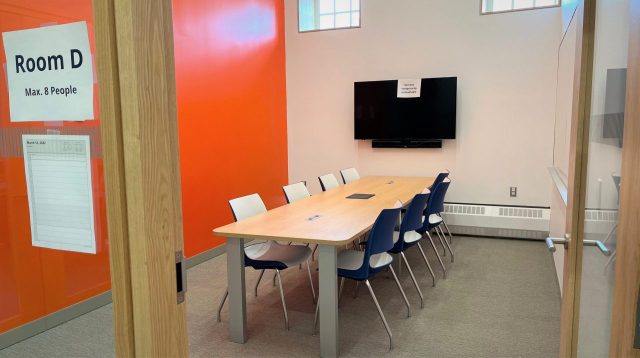
The Common Room has ample space for studying, mostly concentrated in the front room. Most of the space is designed for collaborative studying with a chalkboard and several whiteboards available to use. There are also rooms for quiet study, or for group work. The Common Room can get quite noisy when it gets busy during the day, especially during lunch. 


EngSci Club Office

The Common Room is also home to the EngSci Club office. If you have any questions about university, EngSci, or academic support, they can direct you to resources. The EngSci Club also offers lockers that students can rent throughout the year. This can be helpful for commuter students who want to store some of their belongings on campus. 

Read more about what the EngSci Club does here. 

EngSci Club Office in the Common Room

Community

In the back room (lounge), there is a large table next to a blackboard, where you’ll see EngScis hold group review sessions, draw memes, and work on problem sets, among other things, often while having lunch. In addition, this is a space where you can play foosball or video games, stream movies on the TV, and/or microwave your lunch. This is where you can relax and hang out with friends. 

Note: Please remember that this is YOUR shared space. Treat it like your home, cleanup after yourself and do not damage anything.

Back Room of Common Room

Etiquette

The Common Rooms are spaces for EngSci students only. When studying or socializing with non-EngSci students, you are encouraged to use other U of T spaces. To find study spaces around campus, you can also use the Sync Search app here.  

Please do not admit students you don’t know to the rooms.  This is to protect everyone’s safety. 

EngSci students are responsible for keeping the EngSci Common Rooms clean and tidy! Eat only in the designated areas and clean up any mess you make. There are recycling and waste bins in each roomuse them! 

While caretaking staff empty our waste bins daily, they are NOT responsible for picking up trash from tables or floors.

Please help EngSci be sustainable. Sort waste and recycling materials into the correct bins. 

Do not do anything that would leave stains or permanent marks on common room facilities, including the furniture. Getting carpets or upholstery cleaned is expensive and comes out of EngSci’s budget.

Respect others who share the space. When partaking in loud activities in the back room (e.g. watching movies, playing foosball), close the doors so others can study in the front. Talking is of course allowed, and collaboration is encouraged, but limit your volume to avoid disturbing others. The common room also shares a wall with the EngSci office and boisterous activities disturbs work there. 

Regarding security, thefts have happened in these rooms. Never leave your belongings unattended. Do not let anyone you don’t know into the common room, and do not prop the door open. U of T buildings are open to the public much of the week. Never leave valuables unattended because laptops have been stolen. This applies to U of T spaces in general. 

Please note that the rooms are equipped with video cameras for everyone’s safety and security. Your activities may be recorded. 

Most importantly, use your Common Room common sense! 


Commuting in Toronto

Photo by Scott Webb on Unsplash

How do you get to school? There are many ways to get to Skule™, whether you live uptown or rent somewhere far from campus. Here are some common methods of transportation, along with some tips. You may want to plan out your daily commute before the term starts, so pay attention!  


Biking

Did you know biking is often faster than driving downtown? Some students bike to school because it’s healthy, fast, and fun.

Be sure to check the City’s guide to cycling in Toronto for information including maps, parking, laws, and integration with public transit. If you haven’t biked in Toronto before, it’s also worth checking out the City’s guide to Winter Cycling for safety tips, information about bike lanes and the TTC policy on taking bikes if you plan to combine biking with public transit. Lastly, for a list of bike shares, bike racks, and bike storage/parking, take a look at U of T’s Maps. Enjoy your rides and make sure to lock your bike! 

Interesting to Know: 

Sterling Huang, one of your blog admin Monika’s fellow 2T9s, has created a Toronto cyclist-focused navigation app called BikeTO on the App Store. 

For a list of bike shares, racks, storage/parking, and maintenance spots, check out U of T’s Maps

If you have your own bike and are living in a residence (e.g., Chestnut Residence), bike rooms are available for storing your bike.

Bike Share Toronto is available 24/7, with bikes located across the city. U of T students also receive a Bike Share Toronto discount.

U of T has an on-campus educational bicycle repair space called Bikechain that offers a range of services, from free bike rentals to do-it-yourself maintenance spaces.


Public Transit – TTC  

The Toronto Transit Commission (TTC) runs the subways, streetcars, and buses across Toronto and into the York and Peel regions. The closest subway stations to campus are Queen’s Park, Spadina, Museum, and St. George.

Queen’s Park is ideal for classes in Engineering buildings like Sandford Fleming (SF), Bahen (BA), and Myhal (MY). It’s about a seven-minute walk from Queen’s Park to the EngSci Common Room.

If you’re heading to the Athletics Centre for a workout or to physics classes in the McLennan Physical Laboratories (MP), Spadina station is the nearest.

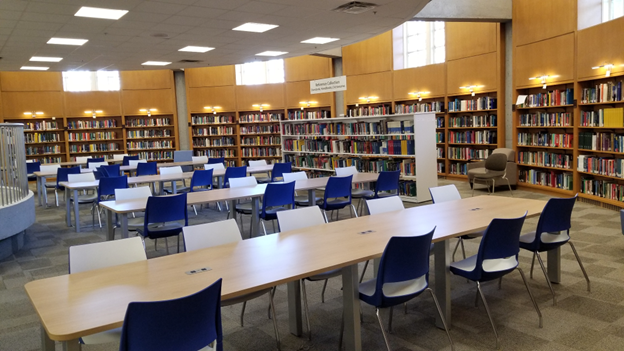
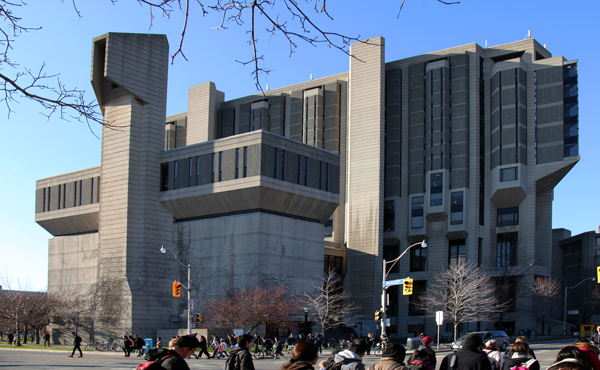
If it’s exam season and Robarts Library is your destination, St. George is usually the best choice. 

Photo by Point & Shoot on Unsplash

Lastly, if you’re looking to enjoy a sunny day with a run around Queen’s Park, Museum station is perfect.  

A single ride on the TTC is $3.35 if you’re paying cash and $3.30 if you’re paying with a PRESTO card – which is a transit card for a variety of systems including the TTC, YRT, and GO Transit – or your debit/credit card. If you do have PRESTO, there’s a two-hour transfer period, meaning you can enter the TTC unlimited times for free within two hours of the first tap. Check out the TTC website for the latest information on fares and passes.  

If you’ll be taking the TTC regularly, you may want to buy a PRESTO card at customer service outlets, where you can also set up a student or youth discount (If you’re under 20 you pay $2.35 per ride). You can also find details on how to get a Post-Secondary Monthly Pass here which offers unlimited travel on the TTC for a month for $128.15. The University of Toronto Students’ Union has a great resource on all the discounts you can get as a student, including transportation. 

Note: Do your own calculations to see if a monthly pass will save you money based on the average number of rides you take on the TTC per month. 


GO Transit

GO Transit is an option if you’re commuting from farther away within the Greater Toronto and Hamilton area. With Ontario’s new One Fare Program, you can transfer for free between some of the different transit agencies, such as GO and the TTC, with a two/three-hour transfer window.  

If you take GO Transit to commute between home and U of T, you’ll usually transfer from GO to TTC at Union Station. When taking GO trains and buses, make sure to schedule your trips, because many of the buses only come once an hour and you don’t want to be stuck at Union Station! Unfortunately, Toronto public transit isn’t known for being the most punctual. Here are the TTC’s recommendations for staying informed. 

To save time, see if you can get some light work done during the commute on the top floor of the train, also known as the “Quiet Zone.” If you need to charge your devices, accessibility coaches usually have functioning AC outlets.   

You can use your PRESTO cards to pay for GO Transit as well. Unlike TTC, however, GO Transit offers a monthly savings system where your single-ride fare in any given month depends on how many trips you have taken that month. You can use the GO Transit Fare Calculator to find the price for your commute and details about the monthly savings system. Like TTC, GO Transit offers discounts to post-secondary students – check out details on applying for a GO Student ID here.   


Walking

If you aren’t from Toronto, you should familiarize yourself with Toronto signals and laws, which may be different from what you’re used to.   

You should also take more precautions during the winter, especially if you aren’t used to snow yet. Sidewalks can be slippery, and concussions are no joke. Vehicles also take longer to stop on icy roads, so give them lots of room. You should walk more slowly and plan your commute accordingly. 


Tips for Commuting

Students commute from various places around Toronto, so here are some tips for how you can make the most out of your commute. 

You’ll be carrying your backpack around most of the day, so pack light and avoid bringing extra things that are available on campus. Bring a healthy and filling lunch/dinner and some snacks. If you don’t feel like bringing your own lunch every day, there are commuter meal plans available from U of T Food Services.     

You can rent lockers in the EngSci Common Room from EngSci Club (as well as from multiple other locations on campus such as the Athletic Centre), so you won’t have to carry everything back and forth. With the extra space, you’ll have access to items such as chargers, stationery, and extra clothing without having to carry them. 

Check to see if a monthly pass is cheaper for you. Make sure your Presto card is set up for a post-secondary student discount and remember to tap off when exiting GO buses and GO trains. You may want to download the PRESTO app so you can check your balance and load funds in advance. Better yet, set up autoload!   

Toronto is known for heavy congestion and frequent traffic delays. If you’re taking public transit to get to class, check for service updates on their respective websites (TTCGO Train, etc.) daily and always give yourself extra time to avoid delays or being late.   

Aim to arrive at school at least 10–15 minutes before your classes start. If possible, avoid rush hour, which is generally from 8:00 a.m. to 9:00 a.m. and 3:00 p.m. to 7:00 p.m. It’s also a good idea to know alternative routes to your destination in case of service changes or disruptions.

During midterms/exams, give yourself extra travel time in case of delays. Arrive early! Before heading out, check ACORN to see if your exam is relocated because it can change at the last minute. 

Prioritize your travel time, whether it’s listening to music, reading, studying, or sleeping. If you choose to work during your commute, note that reading is easier than working on a problem set, for example, so plan accordingly. Make sure you can work (or relax!) offline, as Wi-Fi may not be stable.   

Practice your time management skills. Schedule your travel time in your calendar or agenda, which will help you figure out how much time you have to complete schoolwork, study, or partake in extracurriculars/hobbies. If you plan for it, you can still be active in clubs and design teams as a commuter.  


Additional Resources

For a thorough list of transportation services available to you, please check U of T’s Transportation Guide. You can also use the interactive map of U of T here for details on all things campus-related including buildings, amenities, transportation, and food.   

Learning Strategies

University is a very different learning environment from high school. You are expected to be the one who makes sure you stay on track, even when homework is not always mandatory. 

Get to know these resources available to you and don’t be afraid to ask for guidance. For example, you can ask your professors what you’re expected to know, ask upper years for advice, or check out some of the programs listed below. Positive learning strategies will help you throughout university and beyond!  

Photo by Nick Morrison on Unsplash

Some effective learning techniques you might use include: 

  • Active recall. Closing your notes and trying to recall information from memory. 
  • Spaced repetition. Reviewing material at increasing time intervals. 
  • Pomodoro Technique. Studying in focused intervals (like 25 minutes) with a scheduled break after every interval. 
  • Feynman Technique. Explaining concepts in a simplified manner, trying to understand the gaps you have in your logic. 
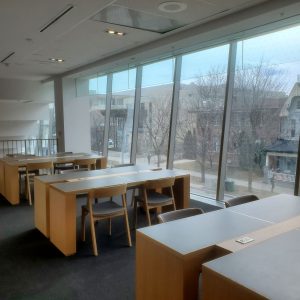
There are many different study techniques, and we recommend doing your own research to find what works for you. Literally, Google “study methods” right now, explore the options, and make note of the ones you’d like to try. If something isn’t working for you, don’t be afraid to switch it up! 
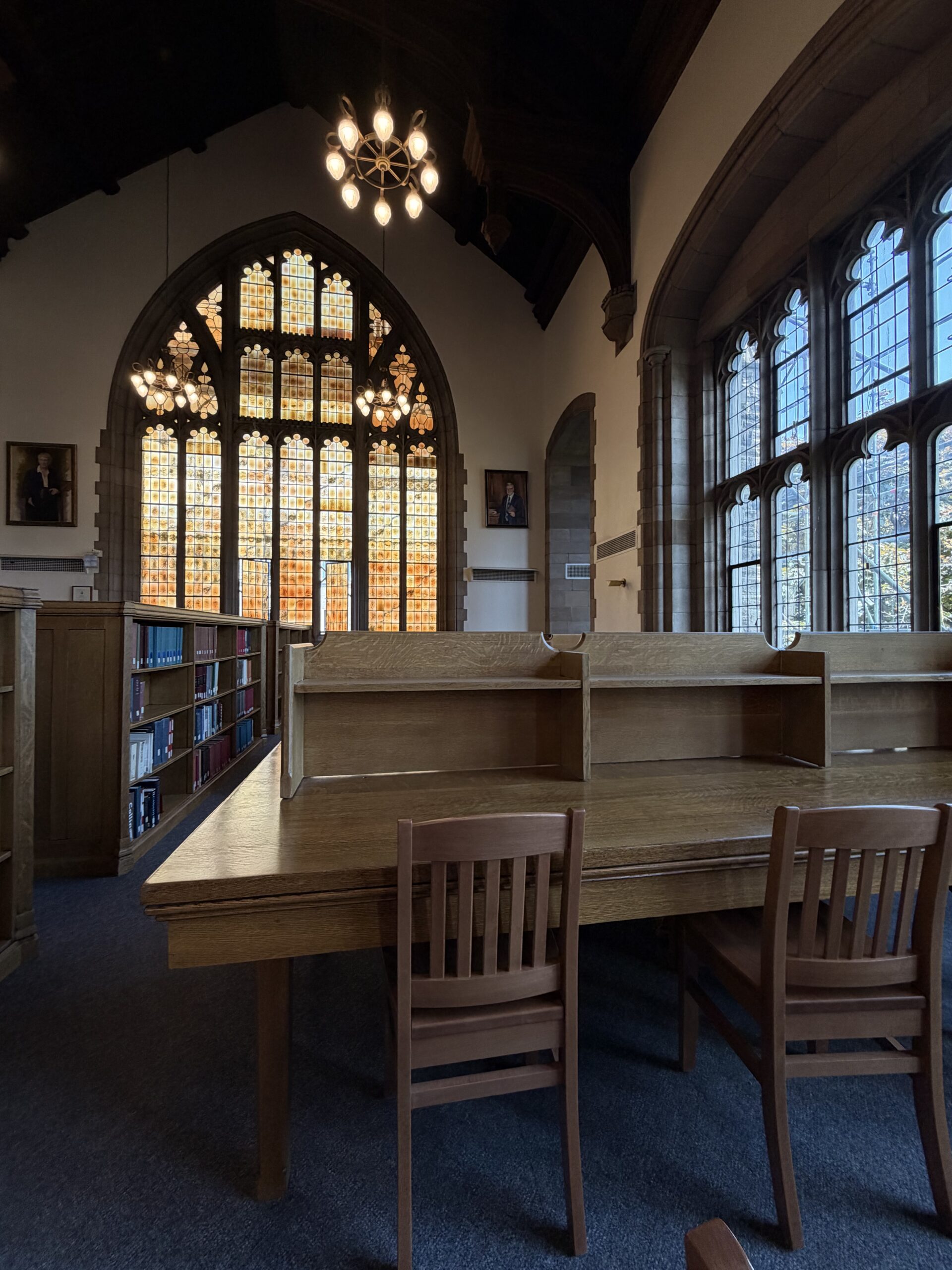
In most engineering courses, the highest-value thing you can do is practice problems and exercises. While understanding the theory is essential, consistent practice is what builds mastery. 

Available Resources

U of T’s Engineering Learning Strategist Shahad Abdulnour will meet with you individually to create a personalized learning plan that works for you. In addition, she runs the engSuccess peer mentorship program, hosts pop-up learning events, and provides many resources for engineering students. Learn more. 

Shahad Abdulnour
Shahad Abdulnour [Source]

There are four modules on time management skills by the Engineering Learning Strategist. You don’t have to wait until fall: you can try them right now and learn about organization and planning, scheduling, and self-reflection. 

engSuccess is a mentorship program that starts in September where you meet upper-year engineering students with diverse backgrounds. Book appointments with them to help enhance your time management, work-life balance, healthy habits, and more.   

EngSci Guided Engineering Academic Review Sessions (GEARS) mentors 

EngSci Guided Engineering Academic Review Sessions (GEARS) mentors are upper-year EngSci students who can help you build academic and time management skills based on their own experiences, in addition to helping you with course content.  As EngSci students, you can drop in to their weekly sessions to ask anything about courses or the EngSci experience as a whole!